Running my MCP Server with Amazon Q: A Quick Demo

My first MCP + agentic AI experiment: Intro
I've always found that technical concepts are pretty abstract until I actually try them out. So, since this blog's creation is tied to a hackathon for agentic AI and MCP, I decided it would be a great idea to actually use and demo agentic CLI tools and an MCP server. This post documents my experiences.
Setting Up the MCP Server
For this demo, I'm using Amazon Q, an agentic CLI tool. Since I'm on Windows, I installed it to run on WSL in my IDE. So far, so good.
Now, to have the agent query an MCP server, I needed to set up an MCP server. Should be easy, right? Just a very simple Express backend for a Node endpoint:
import express from "express";
import { getAllPosts } from "../src/lib/api.js";

const app = express();

app.get("/mcp/posts", (req, res) => {
  const posts = getAllPosts();
  res.json(posts);
});

app.listen(4000, () => console.log("MCP server running on port 4000"));
Here, I follow the standard Express setup and return the blog posts via a function which this blog's starter setup comes pre-packaged with.
Super simple, right? Oh, sweet summer child. Turns out that while the setup is indeed a breeze, there is a whole ordeal involved with the dance of: running Next/Node in parallel servers, TypeScript integration, and, worst of all, the CommonJS/ESNext back-and-forth. This extremely basic installation turned into quite the frustration.
I will briefly walk through the troubleshooting I went through, as it's potentially interesting/useful but also not really the point of this post:
I set the package.json to read the MCP server as an ESM file with Node, which resolved one of the CommonJS issues. But then Node began to hiccup on the TypeScript extension.
I installed ts-node and modified the package.json to compile the TS to JS.
But there was more... know how I said it resolved "one" of the CommonJS issues? Well, the compiled JS became a CommonJS file by default! So then I hit yet more ESNext/CommonJS snags. I resolved by running TSC with a TSConfig file and then modifying various extensions along the way. It was a pain because one thing was slightly off/broken, then another one was, but I finally got it fixed. This was the build line:
npm run build:mcp && concurrently "next dev --turbopack" "node mcp-server-dist/index.js"
Concurrently was necessary to run the Next and Express servers simultaneously.
But, finally, everything worked! Somehow...
Amazon Q demo
Okay, let's get to the fun part. The whole point of setting up this MCP server was to use it for querying.
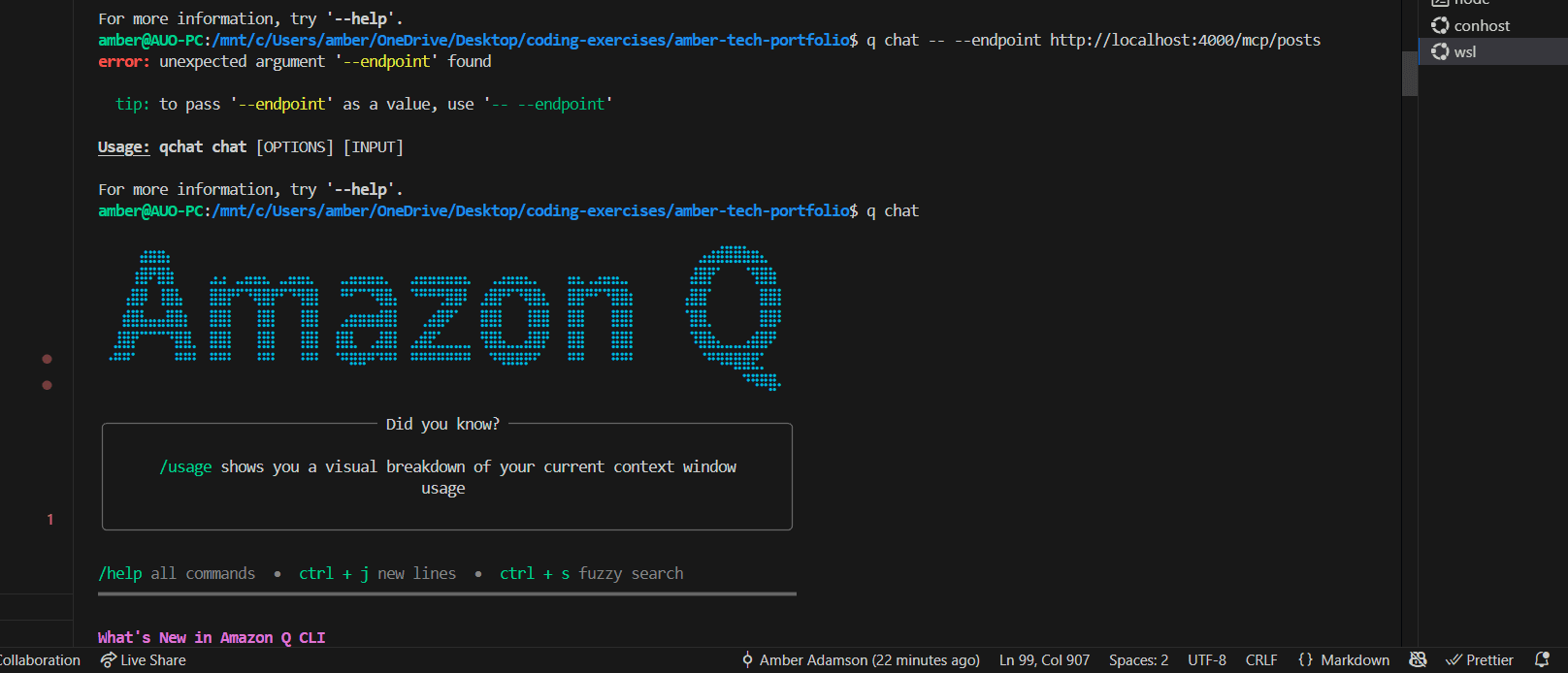
Amazon Q is an agentic CLI tool that doesn't have a Windows version, so I've installed and am running it on the WSL terminal. I ran the command: "q chat" and the above screen populated. Honestly? Pretty cool. Seeing a chat interface in my terminal is still a little wild to me, if I'm being honest.
So here is my first chat:
(Click for larger view)
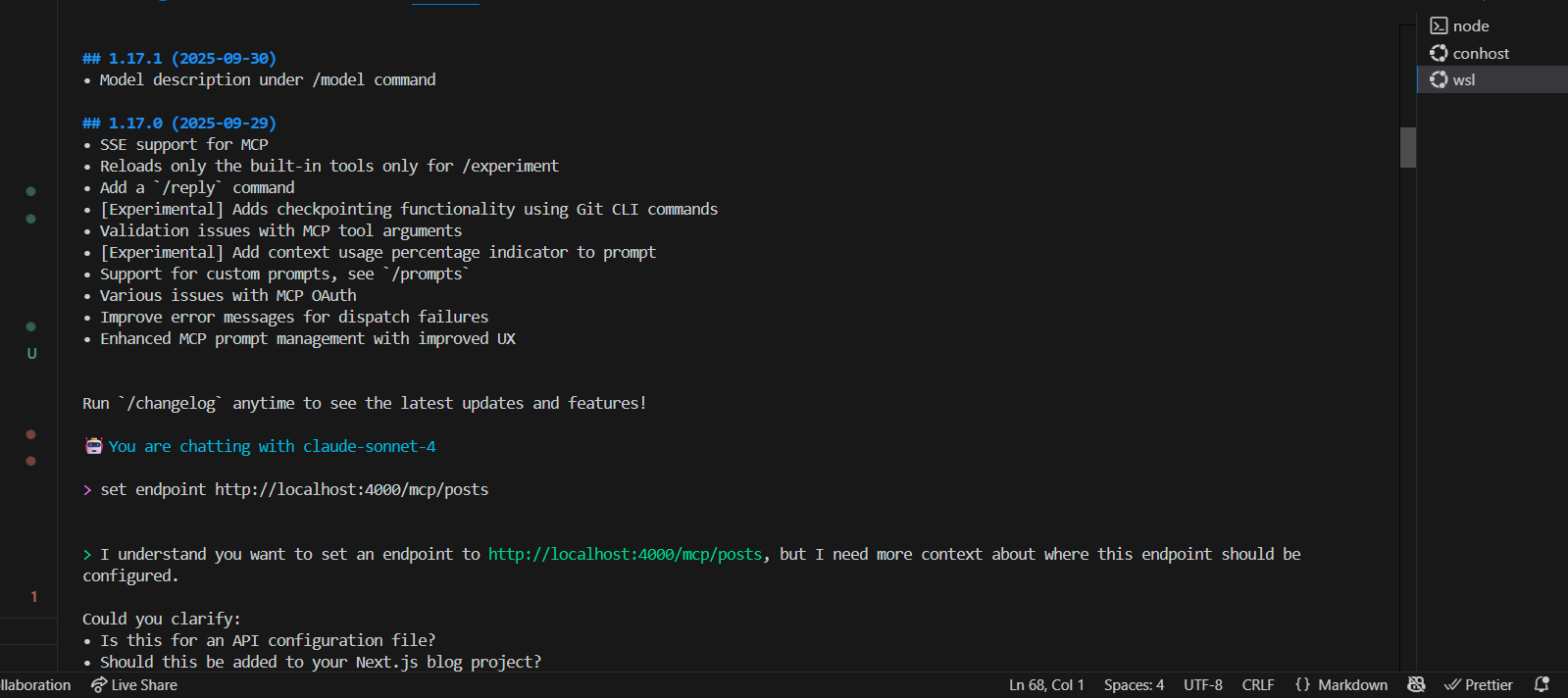
As you can see, it asks me about the MCP server endpoint. So I told it to go ahead and configure the endpoint. The agent explained that the server did not seem to be running. It was running on my PowerShell terminal, so I explained this. The agent ran a grep for the nameserver, as the PowerShell/WSL terminals were causing a network boundary error.
The agent ran a few commands in the terminal, identifying the server and locating the endpoint. Here's the final result:
(Again: Click for large view)
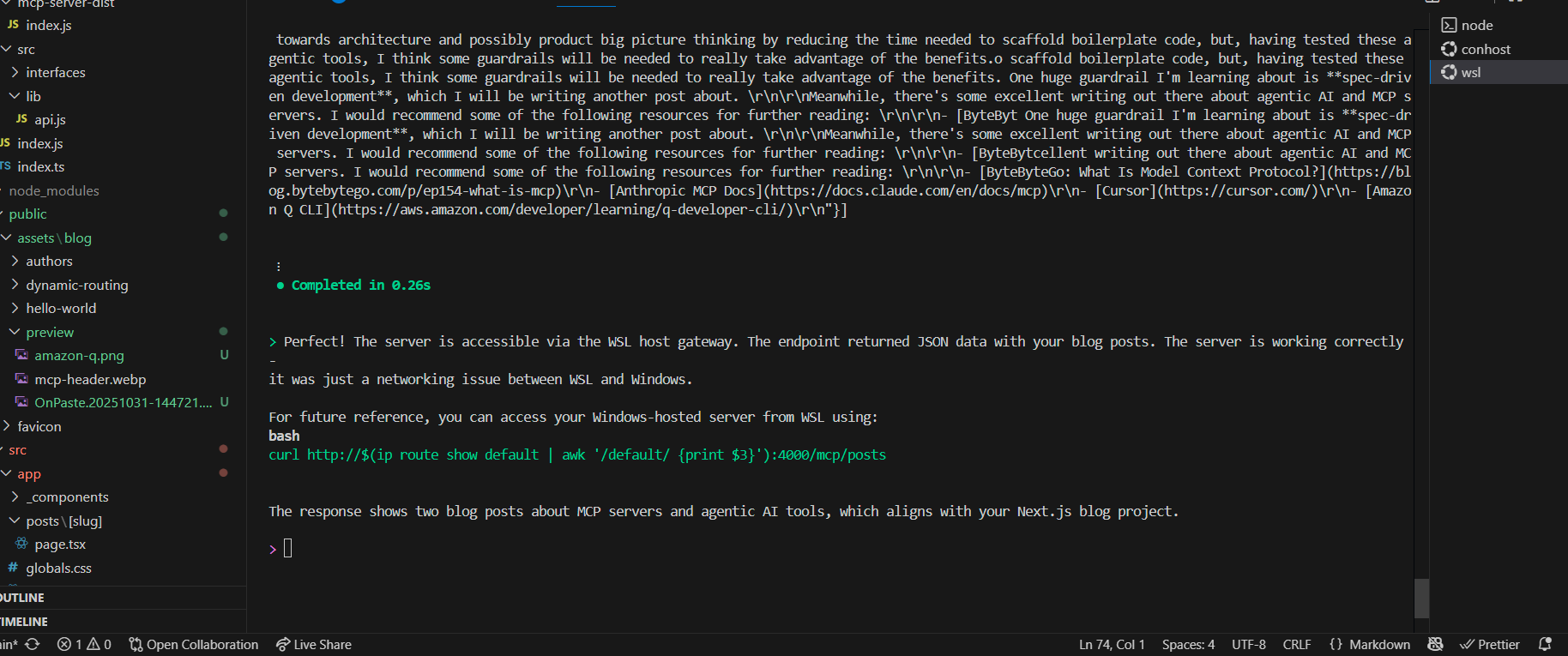
So the agent successfully queried the MCP server and identified my posts!
Admittedly, this demo is pretty simplistic, but it gives you (and me) an idea of what MCP/agent integration can accomplish. Having the agent detect something in my folder structure and return information about it? Pretty neat. Having completed this demo, I'm very excited to integrate these tools into more complex workflows and use cases.
I hope you found this demo to be useful. Next, I will be writing a post on an incredibly useful technique I've just learned about for MCPs and agentic workflows: spec-driven development.